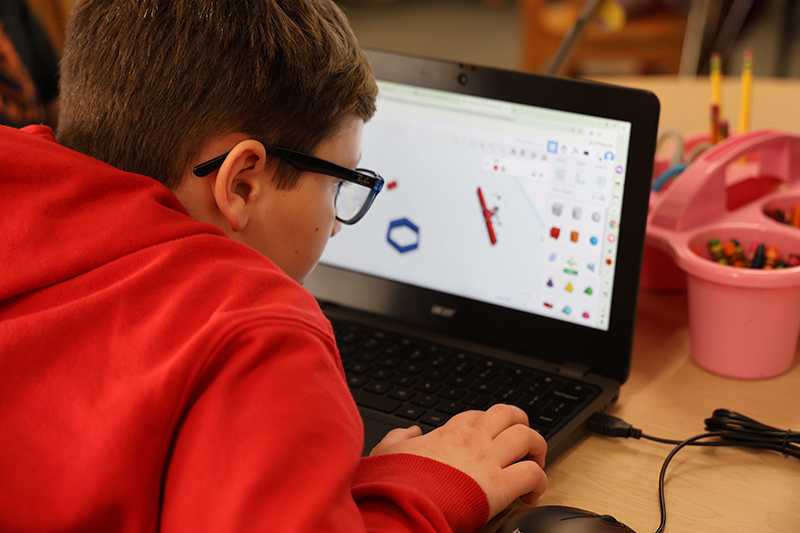
Fifth graders at EJR have the assignment – create a snowflake using Tinkercad to design it. Challenge accepted!
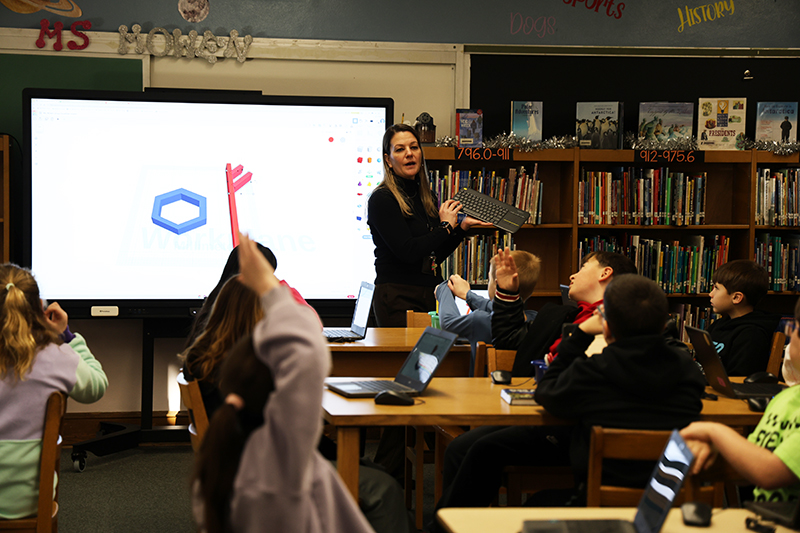
The students are learning to use Tinkercad, a 3D design and coding tool that lets students create 3D models by combining shapes. Tinkercad is used to teach design and engineering so students can create objects for 3D printing.
They caught on quickly, thanks to Library Media Specialist Heather Mowen’s method – watch and listen twice, then try it. Ms. Mowen showed them how Tinkercad works – how to highlight the box when you touch it and use the keyboard to move the objects. There is also a magic undo button if needed.
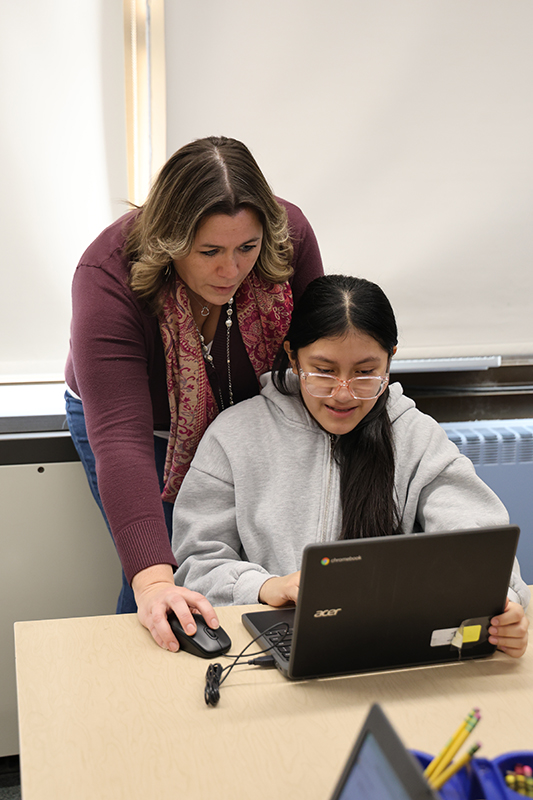
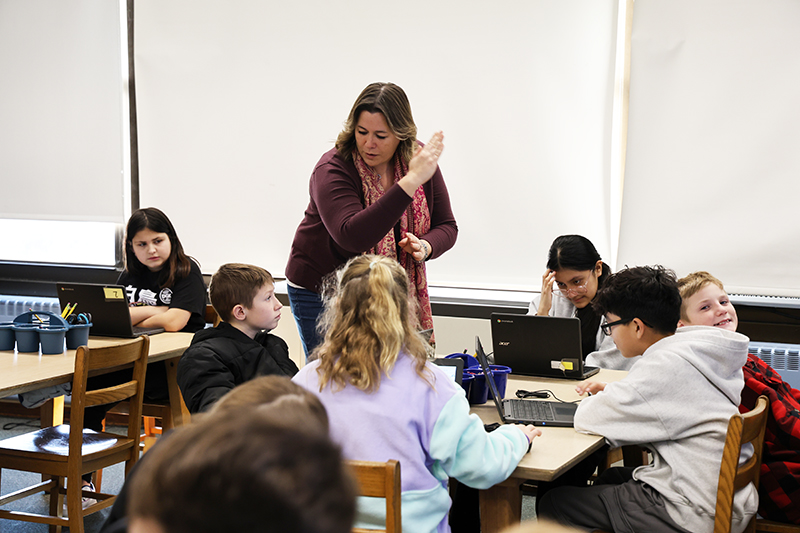
They created arms for their snowflakes and connected bars to it to create their own unique flake. Technology Integration Coach Jessica Herb was on hand to help the students find their way around the program. Instead of recreating all the others, they learned how to flip the items and copy them to get it to mirror the one they just made. Doing it six times – copy and paste – created their snowflake. It was important to note that each bar had to be attached to another because these are going to be 3D printed! If it’s not attached in the program, it won’t print attached.
This whole project started out with, what else, a book! Snowflake Bentley kicked off the 3D printing unit. It is a Caldecott Medal-winning children’s book that tells the true story of Wilson Bentley, a Vermont farmer who became the first person to photograph snowflakes, revealing their unique, intricate beauty.
And now our fifth-graders are making their own 3D printed snowflakes! Can’t wait to see the finished products!